Written with Claude.
The scroll wheel that only works if you mean it
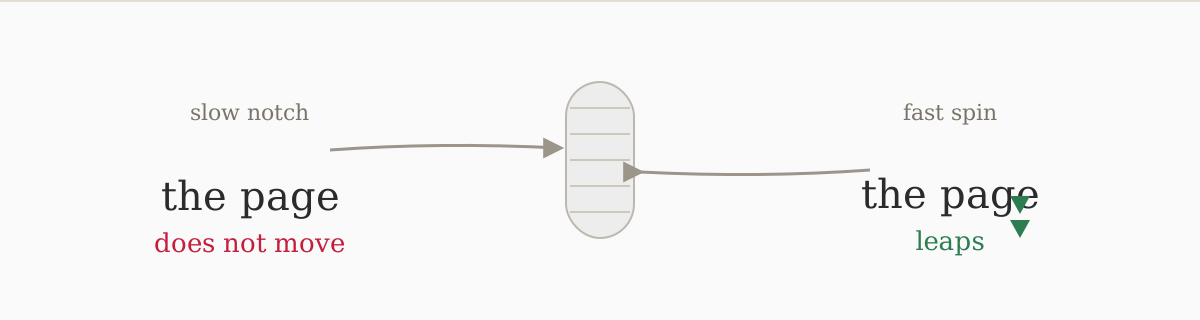
Three days into using a MacBook as my daily driver, and I had one persistent annoyance: rolling my Logitech mouse wheel slowly, one notch at a time, did nothing. The page just sat there. Roll it with real intent, with the kind of spin you’d use to get somewhere fast, and the page lurched forward. The trackpad, six inches to the right on the same machine, tracked an arbitrarily slow two-finger drag without skipping a beat. Same laptop, same OS, same scroll event as far as any application should care.
I spent an evening building a confident story about why, and then, because a confident story is the exact thing this post is supposed to be against, I measured it instead. I put a listen-only CGEvent tap at the session level, quit LinearMouse so I was seeing raw device output rather than its rewritten events, and logged every scroll event the wheel and the trackpad produced at slow and fast speeds. 1083 events. The explanation I had been about to publish was partly wrong, so here is what the events actually say.
A slow wheel notch is not rounded to zero and its remainder is not discarded. Across 314 wheel events the number of pixels the OS said to scroll came out to zero exactly zero times. A single slow notch produced between 1 and 16 pixels, averaging about 3.6. The reason slow scrolling feels like nothing is not that the input is thrown away, it is that the same notch is run through a steep speed-dependent acceleration curve, and at reading pace that curve maps it to a few pixels, which is technically a scroll and visually nothing, with no carry-over to make successive slow notches add up. Spin the identical wheel fast and that same physical notch is mapped to over a hundred pixels:
| one wheel notch, by speed | pixels actually scrolled |
|---|---|
| slow, reading pace | 1 to 16, average 3.6 |
| medium | about 55 |
| fast | about 100 |
| hard flick | 111 to 118 |
That is roughly a thirty-fold swing in distance from speed alone, on input the hardware reported identically. The trackpad is also not the fractional-accumulator hero I was going to claim it was. Moved slowly it emitted plenty of literal zero-delta events, and across the whole capture neither device produced the thing a visible sub-pixel accumulator would look like, so the clean accumulate-versus-discard dichotomy I had written is not supported. The narrower distinction the data does support is that the trackpad’s events are tagged as the precise, continuous class and the wheel’s as the legacy line class, and macOS treats those two classes differently after that point. I am tapping at the session level, so whatever the window server does deeper than that is not visible to me, and Apple’s scroll code is closed, so this is measured behavior and not their source.
What the measurement does settle is the part that matters. The Logitech only ever reports an integer line count, one when slow, up to eleven on a hard flick. It never sends pixels. The pixel number, the value that decides how far the screen moves, is computed entirely by macOS from that line count through that acceleration curve. Apple does not control this mouse, which is the honest correction to make to my own argument, but the hardware contributes a trivial integer and the entire slow-is-useless behavior lives in Apple’s transfer function, which is pure operating-system software, and which is not the curve it runs for its own trackpad’s event class on the same machine. That is the deliberate part, and it is now measured rather than asserted.
The smoking gun is in System Settings, under Accessibility, Pointer Control. There’s a “Trackpad Options” button and a “Mouse Options” button sitting right beside each other on the same screen. Trackpad Options opens a sheet with five settings. Mouse Options opens a sheet with one slider, for pointer speed. The backend exists, and the UI exists at the same depth in the same menu. Apple just chose not to point it at the wheel’s scroll behavior, even though the scroll event is the same event type traveling through the same pipe.
LinearMouse, notarization, and the permission it actually needs
The fix everyone points to is LinearMouse, which is free, MIT-licensed, open source, and installable via Homebrew cask:
brew install --cask linearmouse
The version that went on this machine today is 0.11.2, installed 2026-05-15 at 18:01:02. It’s notarized:
$ spctl --assess --verbose=4 --type exec /Applications/LinearMouse.app
/Applications/LinearMouse.app: accepted
source=Notarized Developer ID
And it’s a universal binary, so the arm64 path runs natively on Apple Silicon.
The part that matters is the permission it needs. LinearMouse works by installing a CGEvent tap (a macOS API for hooking into the input event stream before it reaches any application), sitting at the system level to intercept raw input events, swallow the wheel’s events, and inject synthesized replacements with its own math. The OS renders them smoothly and never knows the difference. The binary makes this explicit in its own error strings, which I checked because I was curious about what exactly it was requesting:
Failed to create GlobalEventTap: Accessibility permission not granted
You need to grant Accessibility permission in System Settings > Security &
Privacy > Accessibility.
So it needs Accessibility, which is macOS’s gate on the CGEventTap API. Granting it means a third-party binary has a system-wide tap that can observe and synthesize every input event on your machine, keyboard and pointer both, the same capability class a keylogger needs. The binary also uses IOHIDManager, which is the lower-level API for reading raw hardware events before they enter the window server, and that puts it in the same permission class as Input Monitoring whether or not macOS surfaces a separate dialog for it, and it runs at login, permanently, every time the machine boots.
For a technical user who reads the source, this is a defensible call. LinearMouse is open source, the author is identified on the notarization (Developer ID Application: Jiahao Lu (C5686NKYJ7)), the code is on GitHub, and I can reason about what it does. I made the call.
But I kept thinking about why this situation exists at all: Apple’s refusal to expose a first-party smooth-scroll slider for mice didn’t remove this risk surface. It relocated the risk to third-party software that needs global input access, and then that arrangement gets described as the secure platform.
The reason I bought the MacBook in the first place
My mother clicks things. Not out of carelessness, exactly, just out of the confidence that if a website says “click here to update,” it probably knows what it’s doing. She has used Windows her whole working career, and the fake update button on a neighborhood Facebook group ad is exactly the kind of thing she clicks, with the predictable result: a browser full of toolbars and a laptop that, the way she tells it, went somewhere it should not have. That is why I keep coming back to the idea of moving her to a Mac, and the security case for it is real. Gatekeeper (macOS’s system for blocking unsigned software) is a genuine security feature, Apple verifies app signatures and notarization in a way Windows doesn’t enforce by default, and the malware-via-fake-update vector that gets her is genuinely harder to execute on macOS. That part is not wrong, and I believe it for the class of threat it addresses.
She does not have a Mac. This is a plan I keep turning over, not something I have done, and turning it over honestly is where it falls apart.
Why the switch would send her back to the infected machine
The blocker is the mouse. Picture the machine I would actually be handing her: a Mac, plus the plain USB wired mouse she already owns, the kind you plug in and it works, because that has been the promise of a USB wired mouse since approximately 1998. On that Mac, slow scrolling does nothing, for the reasons measured earlier in this post. She would not know why and she would not be interested in why. She would know only that on her old laptop, when she scrolls, the page scrolls, and on the new machine the same motion sometimes does nothing.
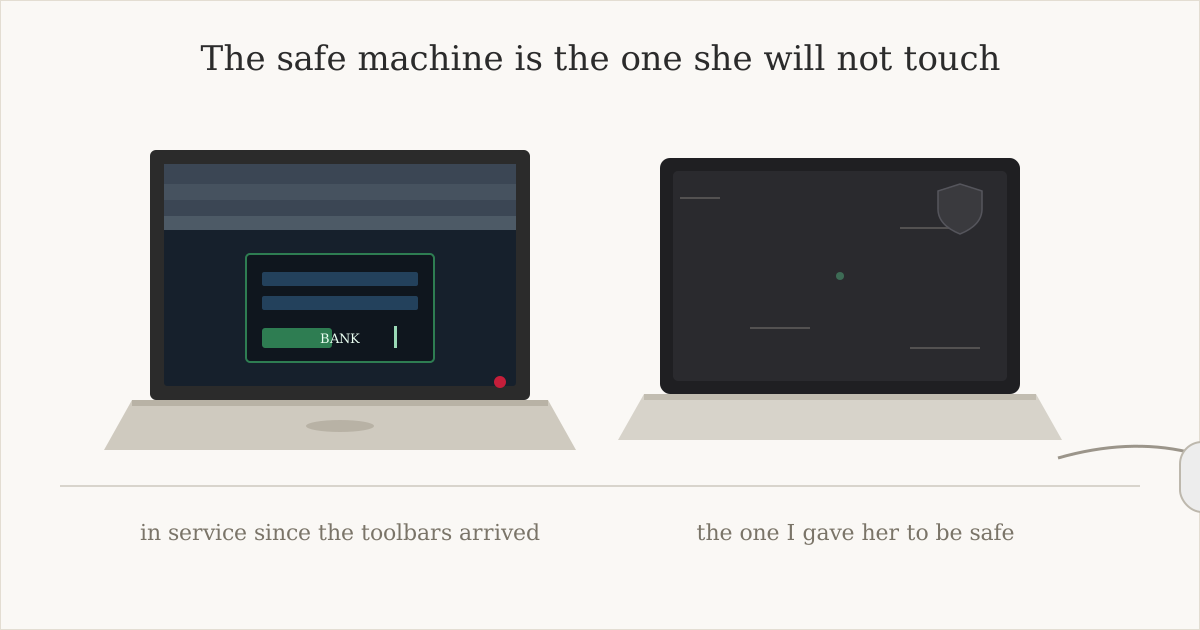
So here is how it would actually go. For ordinary browsing she would use the Mac, tolerating the wheel, because I told her it was safer and she trusts me. But for banking, for anything where she needs to feel precise and competent and not confused about whether the thing she just did registered, she would go back to the HP, the one with the toolbars, the infected one, because that is the machine where she still feels capable.
And to fix that for her I would have to install LinearMouse on her machine and walk her through granting a permission she cannot evaluate to a piece of software she has never heard of, from the internet, which is free. That is the complete description of the behavior the switch was supposed to eliminate. I would be telling her to do exactly what I told her not to do, because the machine I moved her onto for safety will not run a scroll wheel like a scroll wheel without it.
I’m keeping LinearMouse on my machine. I understand what it is, I can read the source, and I own the tradeoff, and the scroll behavior after setup is genuinely good. The first thing that killed the dead zone (where slow notches scroll only a few pixels and read as nothing) was LinearMouse’s by-lines mode with acceleration off, because line mode never consults velocity, but after living with that for a while I kept tuning and ended up somewhere I like better. If you came here for the answer rather than the argument, this is the configuration I’m running on a Logitech MX Master 3S, with the wheel in its ratcheted mode rather than free-spin, which is the physical wheel mode you set with the mode button or Logi Options+ and not something LinearMouse controls, and the smoothing math below assumes discrete notches:
- Mode: Smoothed (beta)
- Easing: Ease in Quartic
- Scroll response: 1.31 (about 60% of the slider range)
- Scroll speed: 0.24 (about 5%)
- Scroll acceleration: 1.17 (about 9%)
- Scroll inertia: 0.82
- Allow scroll bouncing: on
I am not putting that forward as the correct answer, because the point of this whole post is that there isn’t a clean one. It is the least-wrong place I have found after an evening and then some of fiddling, and it will probably keep moving.
I don’t know what to do for her. The honest concessions I can make: macOS does reduce the run-a-malicious-binary vector, Apple does get the median first-run experience right in ways Windows doesn’t, and the hostility is to divergence from the one designed path, not to humans generally. Gatekeeper is real. But that class of threat, the fake-updater, the toolbar installer, is not actually the bigger money-loss vector for her demographic. Credential phishing, remote-access scams, “your computer has a virus, call this number,” those don’t care what OS she’s running. And the early stretch after a switch, when she is on an unfamiliar machine and does not know what anything does, is a risk spike for all of them.
The switch would move the sensitive activity onto the compromised machine and turn the safe one into the machine she avoids, and that is before anyone tries to explain keyboard-class permissions to her. I do not have a clean answer. What she would be asking for is not complicated. She scrolls down, the page goes down. She scrolls slowly, the page… scrolls.